





Troubleshooting off-grid power: practical steps for reliable energy
Master troubleshooting off-grid power systems with our practical guide. Learn essential steps to ensure reliable energy and prevent failures!
TL;DR:
- Lithium battery state-of-charge cannot be accurately gauged by voltage alone; use a shunt monitor instead.
- Proper troubleshooting requires systematic steps, including system isolation, wiring inspection, and BMS checks.
- Reliable off-grid power depends on accurate monitoring, good wiring, and regular system maintenance.
It’s midnight, your campervan is parked up somewhere remote in the Scottish Highlands, and the inverter has just cut out. The heating stops. The lights go dark. Your carefully assembled off-grid power system has failed, and the nearest town is 30 miles away. This scenario is more common than most owners would like to admit, and it highlights exactly why methodical troubleshooting matters. This guide covers the most frequent failure points in lithium-based off-grid systems, the tools you need to diagnose them correctly, and the steps to resolve and prevent problems before they leave you stranded.
Table of Contents
- Understanding off-grid power system basics
- Essential tools and preparation
- Step-by-step troubleshooting for lithium battery problems
- Verifying fixes and preventing future failures
- Expert insight: the truth about lithium battery troubleshooting off-grid
- Get advanced support for your off-grid system
- Frequently asked questions
Key Takeaways
| Point | Details |
|---|---|
| Voltage not enough | Shunt monitors are essential for reliably checking lithium battery state-of-charge. |
| Be systematic | Step-by-step checks prevent missed faults and speed up repairs. |
| Preparation saves time | Gathering the right tools and info in advance simplifies troubleshooting. |
| Test before use | Always verify system stability after repairs with live load tests. |
| Consider upgrades | Higher voltage or monitoring system upgrades boost reliability for energy independence. |
Understanding off-grid power system basics
Before you can fix a problem, you need to understand what you’re working with. A typical off-grid power system in a campervan or motorhome consists of several interconnected components, each with its own failure modes.
Core system components:
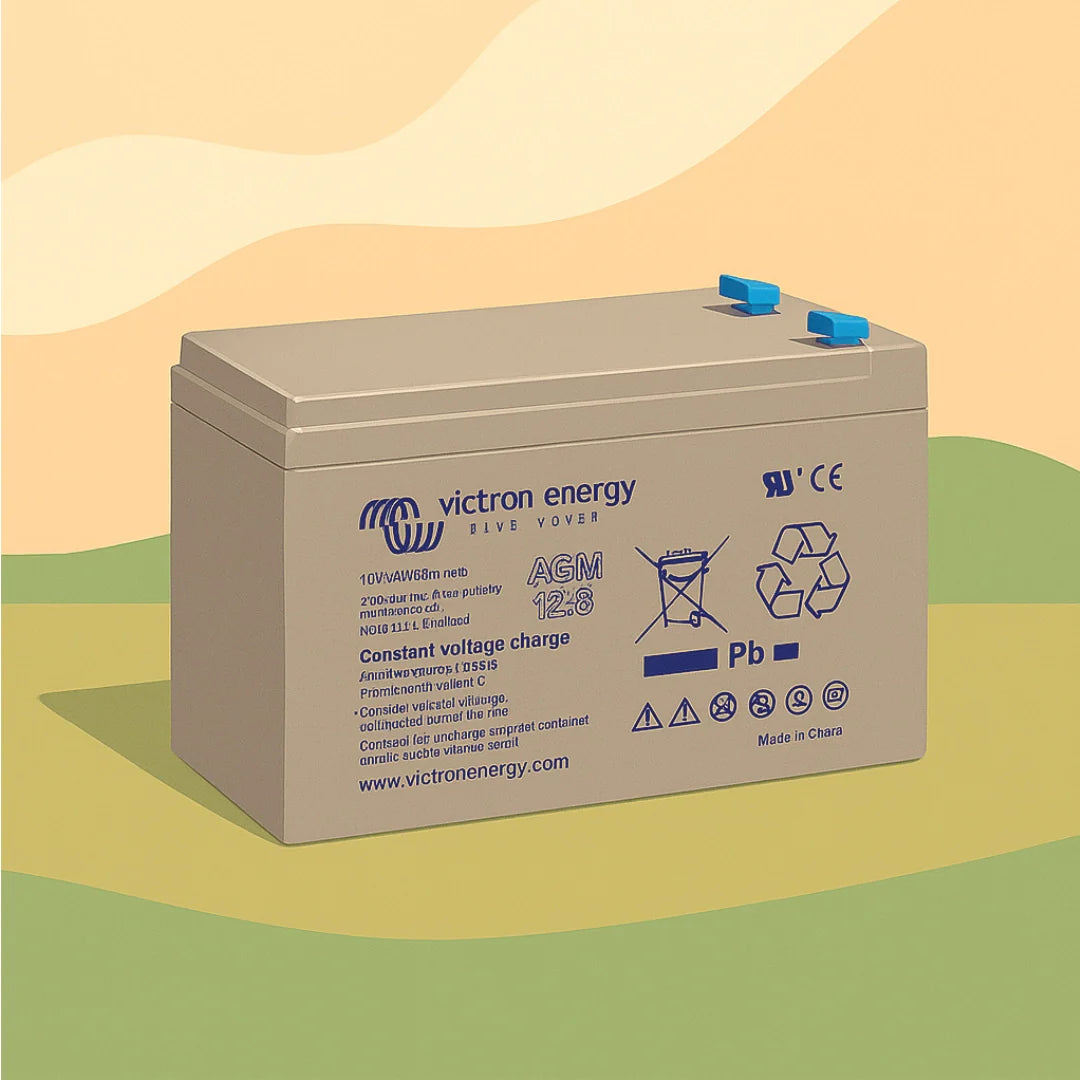
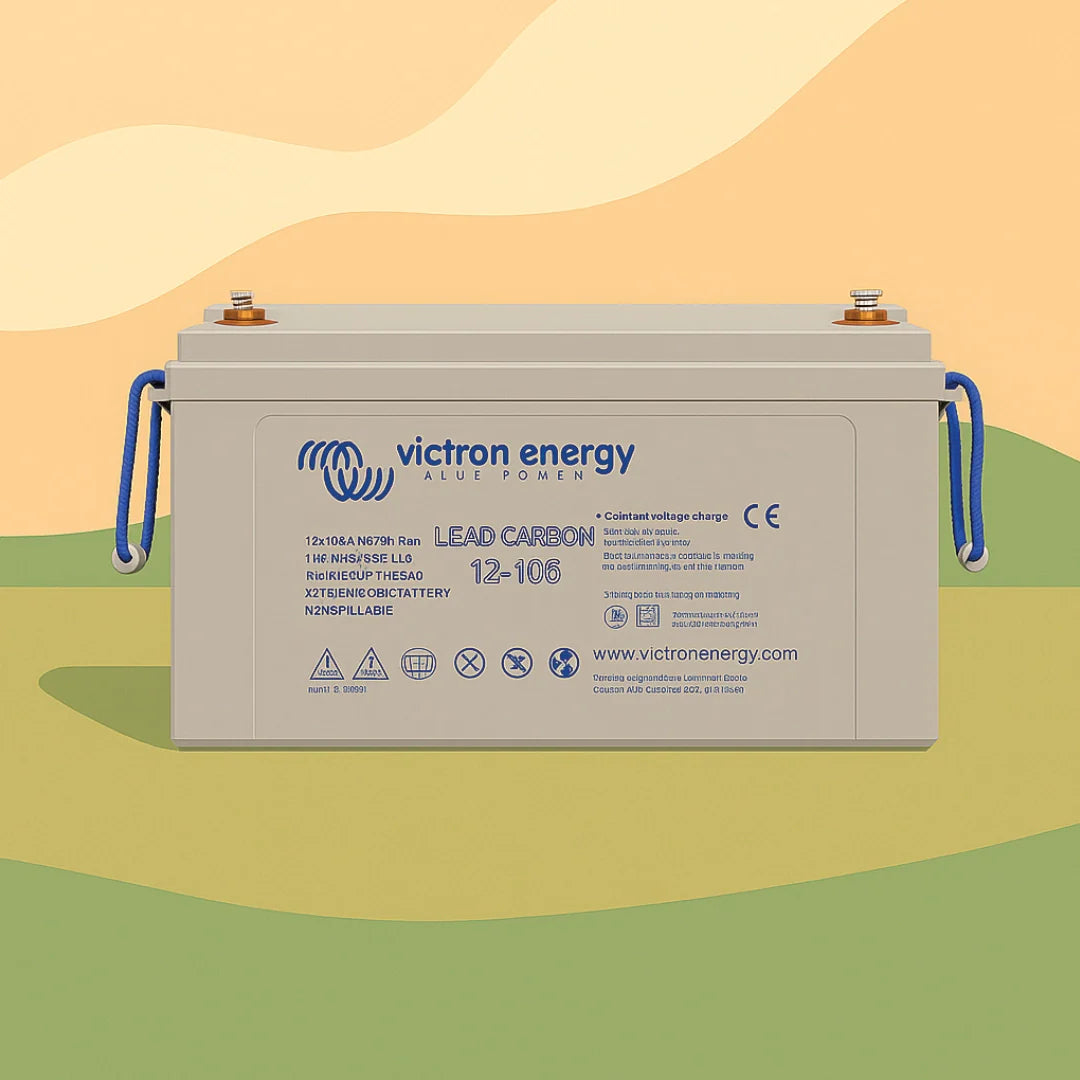
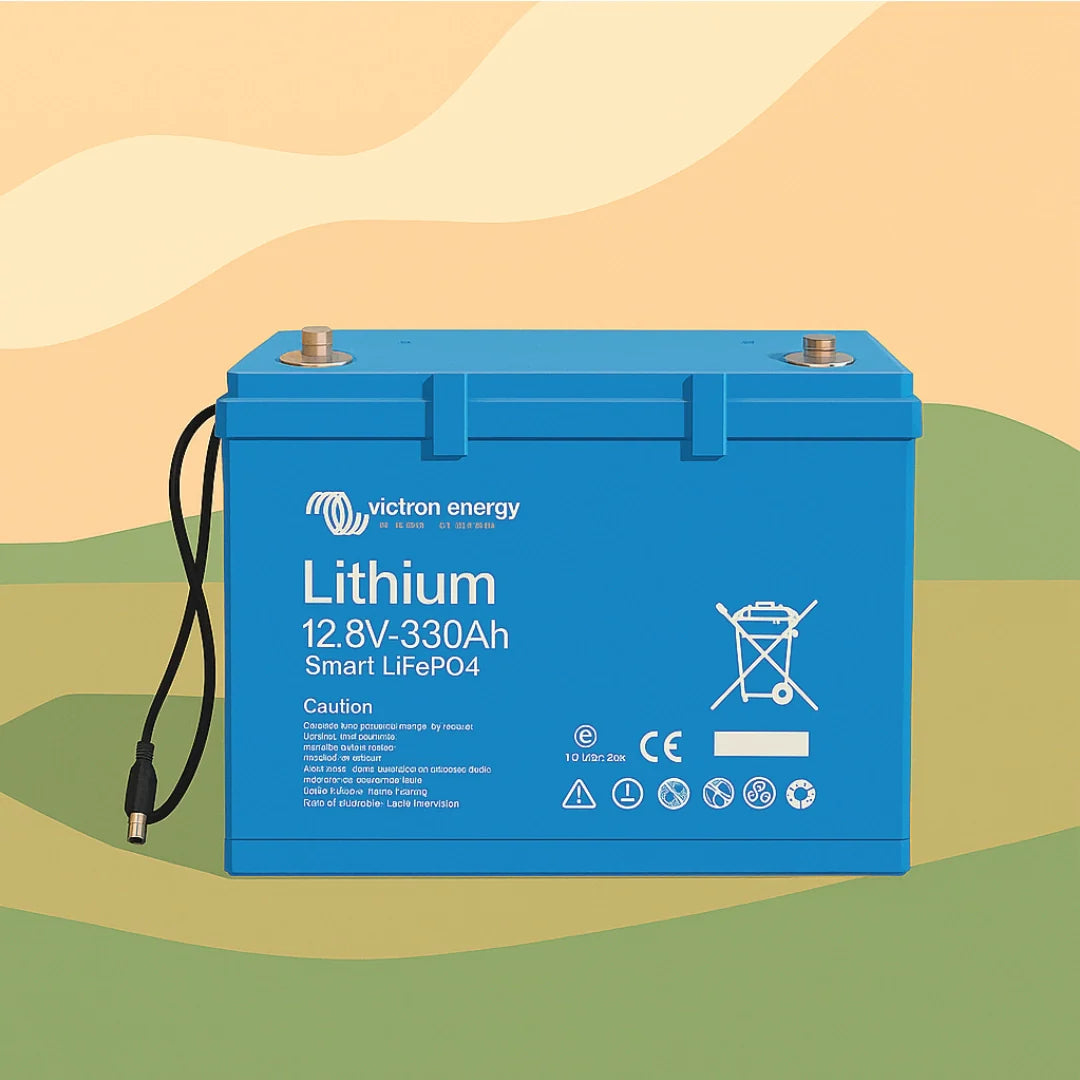
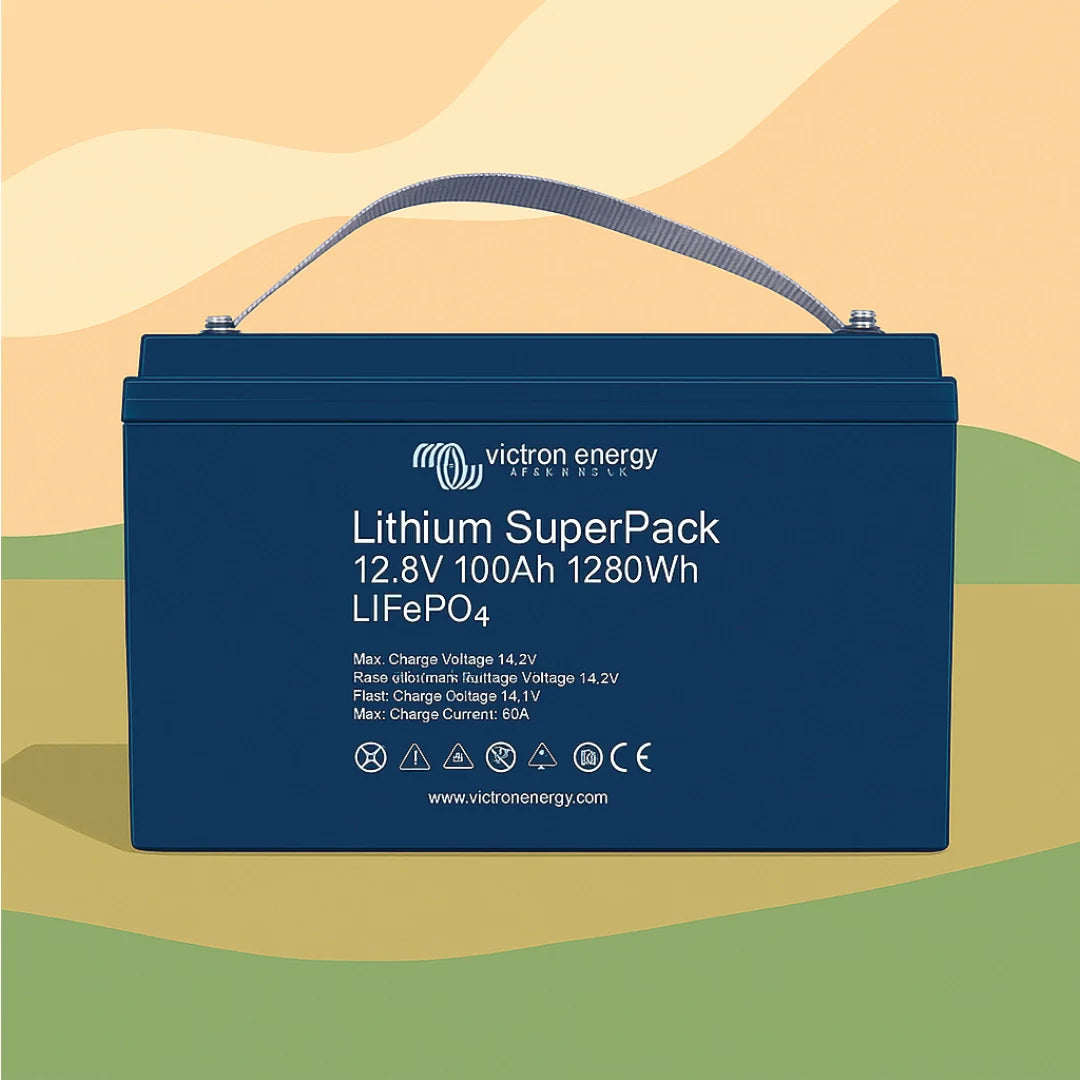
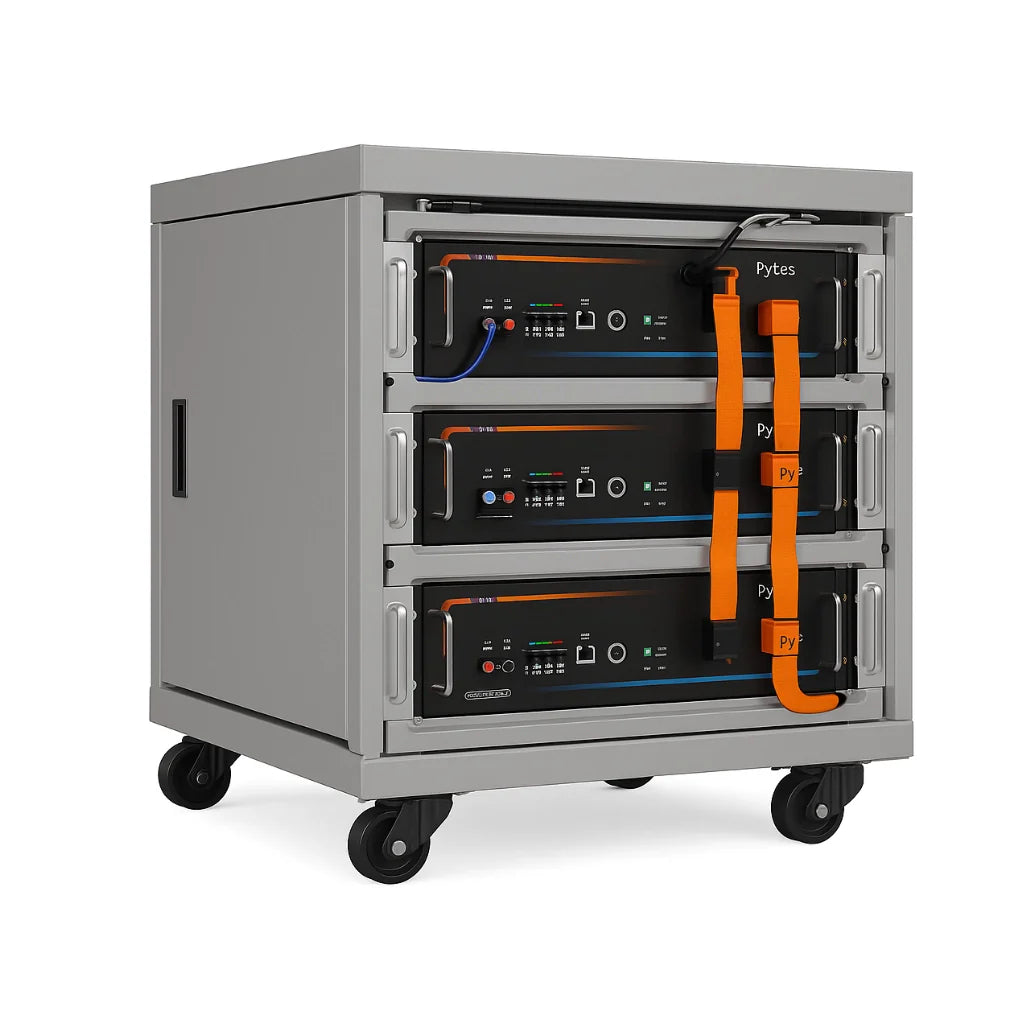
- Lithium battery bank (LiFePO4): The primary energy store. Offers high cycle life, stable discharge, and built-in Battery Management System (BMS) protection.
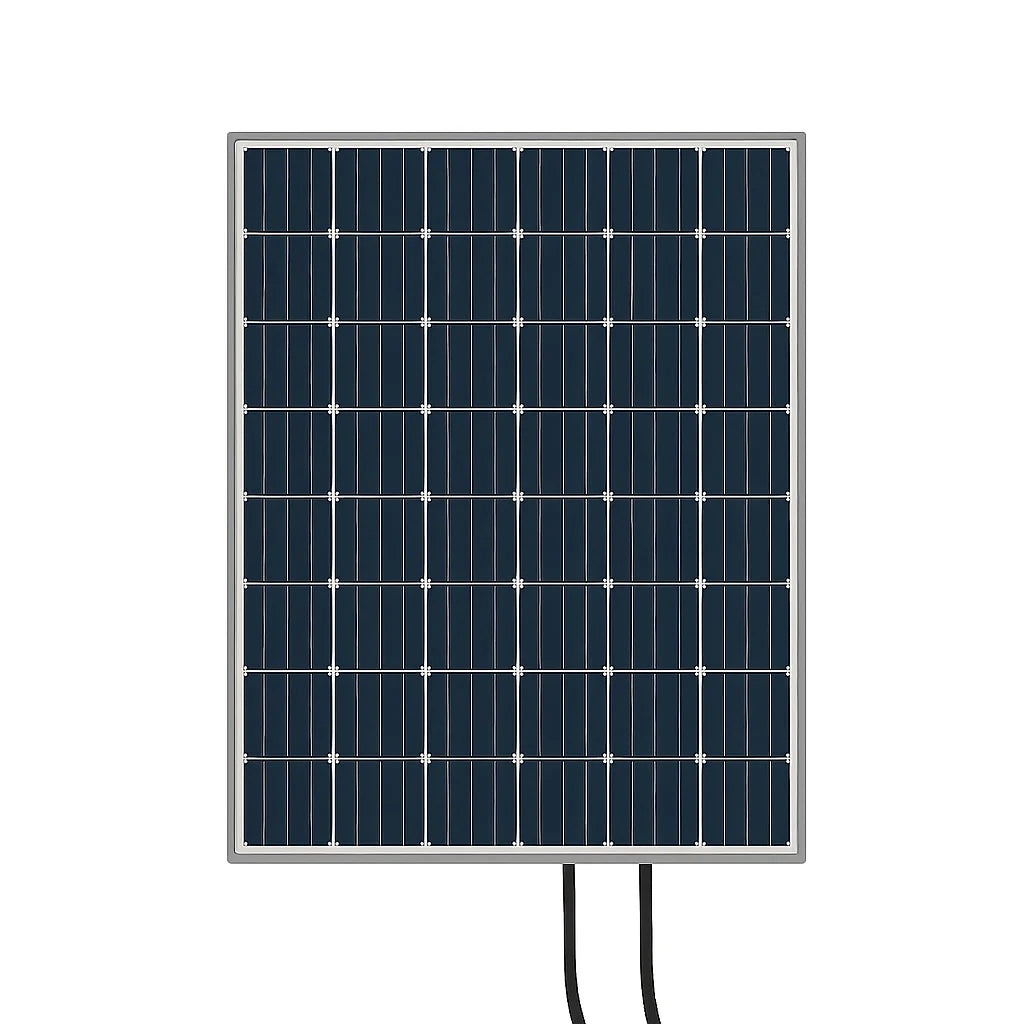
- MPPT charge controller: Regulates solar panel input and charges the battery bank efficiently.
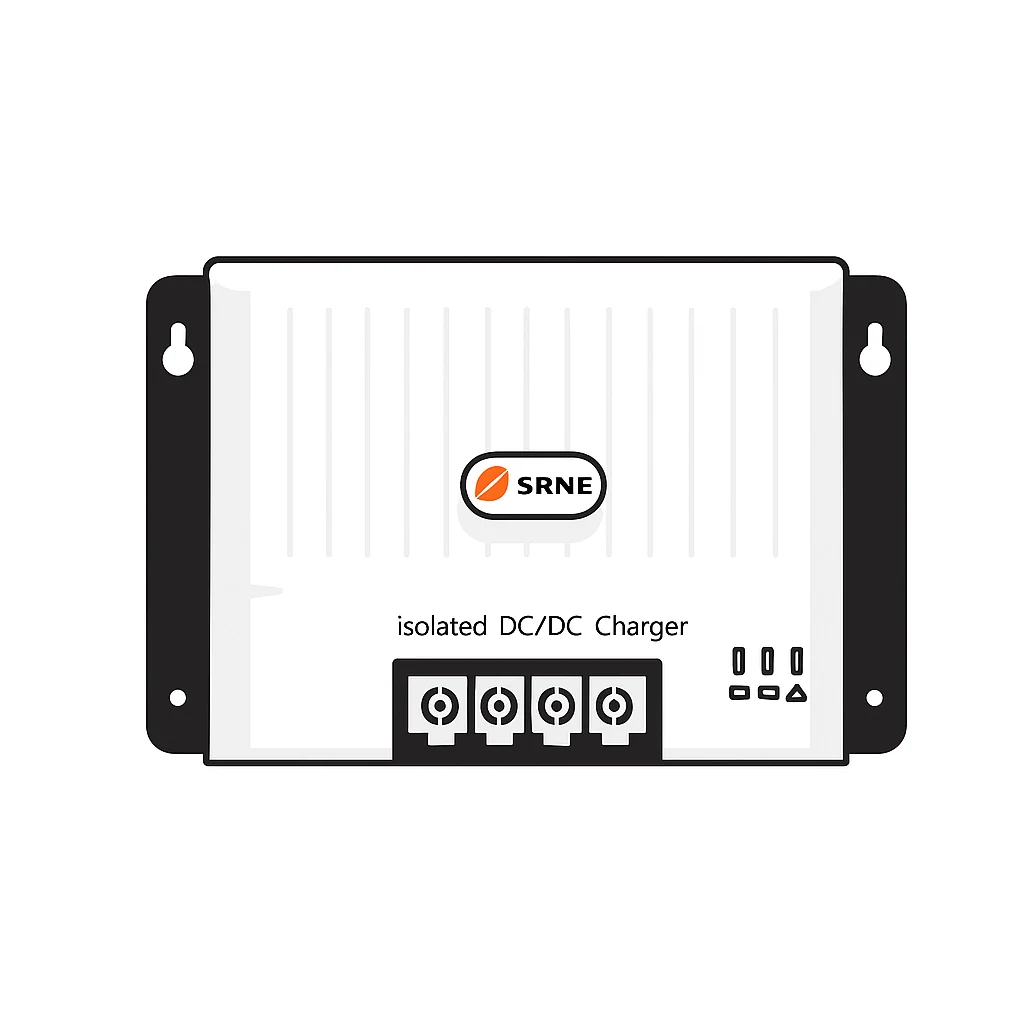
- DC/DC converter (B2B charger): Charges the leisure battery from the vehicle’s alternator while driving.
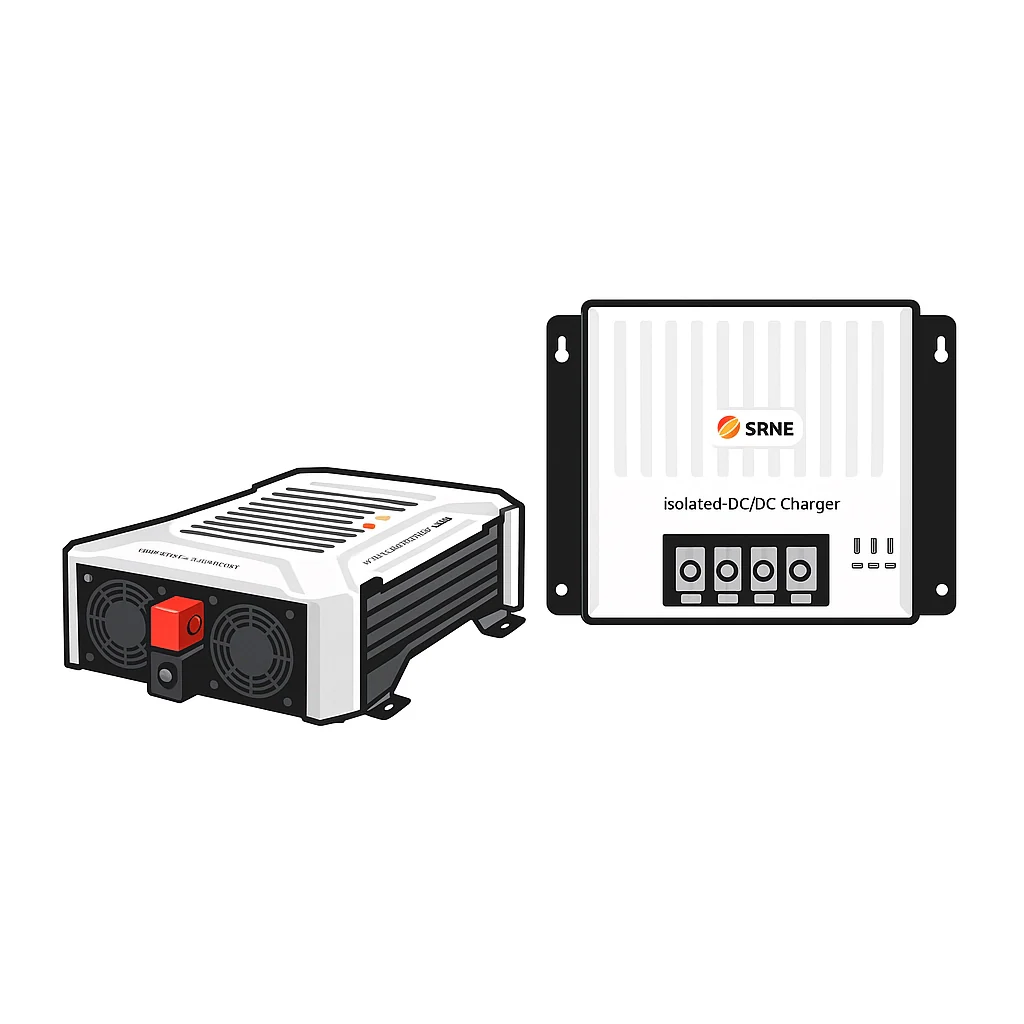
- Inverter or inverter/charger: Converts DC battery power to 230V AC for household appliances.
- Shunt-based battery monitor: Tracks real current flow in and out of the battery to give accurate State of Charge (SoC) readings.
- Wiring and fusing: Often the source of hidden faults, particularly at connections and terminals.
Understanding lithium battery features is essential because LiFePO4 cells behave very differently from traditional lead acid batteries. The most critical difference is the voltage curve. LiFePO4 batteries hold a remarkably flat voltage between roughly 3.2V and 3.35V per cell throughout most of their discharge cycle. In a 12V system, this translates to the battery sitting at around 13.1V to 13.3V whether it is at 80% capacity or 25% capacity.
This flat curve creates a significant diagnostic trap. Voltage is unreliable for lithium battery state-of-charge estimation, and shunt monitors such as Victron BMV or SmartShunt are the recommended solution for accurate readings. Without a shunt monitor, you could believe your battery is 70% full and then watch the system shut down moments later because the BMS triggered a low-voltage protection cut-off.
Common failure symptoms and their likely causes:
| Symptom | Likely cause |
|---|---|
| Inverter cuts out under load | BMS protection triggered, undersized wiring, or low SoC |
| Battery not charging from solar | MPPT misconfiguration, shade, or faulty connection |
| Sudden voltage drop | Poor terminal connection or BMS fault |
| Misleading SoC readings | Using voltage only, no shunt calibration |
| Battery not accepting charge | Cell imbalance or BMS over-voltage protection |
Understanding battery monitoring basics gives you a major diagnostic advantage. Owners who rely on a simple panel voltmeter waste significant time chasing phantom problems that a shunt monitor would resolve immediately.
Essential tools and preparation
Turning up to troubleshoot without the right tools is counterproductive. Having everything prepared before you start means faster diagnosis, fewer mistakes, and safer working conditions.
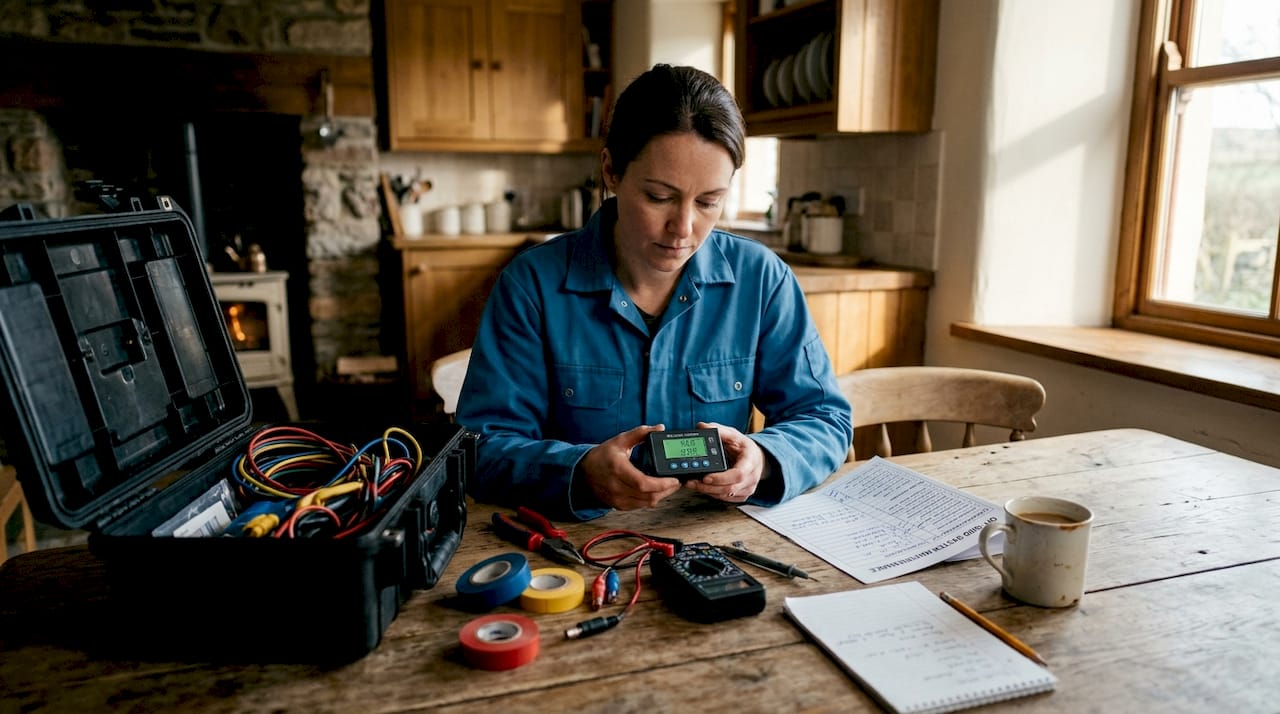
Essential troubleshooting tools:
| Tool | Purpose |
|---|---|
| Digital multimeter | Measures voltage, continuity, and resistance across components |
| Shunt-based battery monitor | Provides accurate SoC, current flow, and historical data |
| Insulated screwdrivers and spanners | Safe work on live DC terminals |
| Insulated gloves (1000V rated) | PPE for working near battery terminals |
| Manufacturer manuals (printed or digital) | Reference for error codes and specifications |
| Smartphone with monitoring app | Access BMS data via Bluetooth (where supported) |
| Cable labels and a marker | Mark wires before disconnecting |
| Torque wrench | Confirm correct terminal tightness |
| Camera or smartphone camera | Photograph wiring before changes |
Preparation steps before you touch anything:
- Photograph the current wiring setup and all device settings. This is your baseline.
- Download or locate the manual for every device in the system, including the inverter, MPPT controller, and BMS.
- Note any recent changes: new loads added, recent journeys, weather conditions, unusual sounds or smells.
- Check if shunt monitors are preferred for accurate lithium state-of-charge readings, and if you don’t yet have one, note this as a priority upgrade.
Safety checklist:
- Isolate the system using the main battery isolation switch before touching any terminals.
- Wear insulated gloves rated for the voltages in your system.
- Never work alone if possible. Have someone nearby when working with battery banks above 100Ah.
- Check for signs of swelling, corrosion, or heat damage before proceeding.
Refer to lithium battery maintenance guidance to understand manufacturer-specific safety requirements for your battery model before opening any enclosures.
Pro Tip: Label every wire with its function before disconnecting anything. Use a permanent marker and a strip of masking tape. This single habit prevents hours of confusion when reconnecting.
Step-by-step troubleshooting for lithium battery problems
With preparation complete, follow this numbered sequence to work through faults systematically. Skipping steps is the number one reason owners waste time and fail to identify the actual root cause.
-
Isolate the system. Switch off the main isolator. Allow the battery to rest for at least 10 minutes before measuring voltage, so surface charge dissipates and readings stabilise.
-
Check the shunt monitor. Read the SoC percentage, current draw, and voltage on your battery monitor. Do not rely on voltage alone. Voltage alone cannot reliably indicate lithium battery state-of-charge, particularly between 100% and 20%. If your monitor shows 40% SoC but voltage looks healthy, trust the monitor.
-
Inspect all wiring and connections. Look for loose terminals, corrosion, or damaged cable sheaths. Check fuse holders and busbars for heat discolouration, which indicates a high-resistance connection drawing excess current. Tighten any loose terminals to the torque specification in your device manual.
-
Review the BMS status. Many lithium batteries with integrated BMS units communicate via Bluetooth. Open the manufacturer’s app to check for fault codes, over-temperature warnings, cell imbalance alerts, or over/under-voltage events. See BMS troubleshooting guidance for interpreting common fault states.
-
Check the inverter. If the inverter is cutting out or won’t start, note the LED pattern or error code displayed before resetting. Most inverters use a sequence of flashes to communicate specific faults. Consult the manual for that code. Verify that the battery voltage at the inverter terminals matches the battery monitor reading. A significant discrepancy suggests a wiring or fusing issue between the battery and inverter.
-
Review the MPPT controller. Check that solar panels are producing expected output using your controller’s monitoring display or app. A common issue is partial shading affecting one panel in a series string, dragging down the output of the whole array. Also confirm the battery type is correctly configured in the MPPT settings.
-
Use battery troubleshooting steps systematically rather than resetting devices and hoping the problem resolves itself.
‘Never rely on battery voltage alone for lithium SoC—use a calibrated shunt for accuracy.’
Understanding battery monitoring importance cannot be overstated when working through this process. Every step in the sequence above becomes faster and more accurate when you have reliable SoC data to cross-reference.
Pro Tip: Record error codes and LED flash patterns before pressing any reset button. These codes often reveal exactly what triggered the fault. Once you reset, that information is gone.
Verifying fixes and preventing future failures
Resolving the immediate fault is only part of the job. Confirming the repair is stable and putting preventive measures in place is what separates one-off fixes from long-term reliable operation.
Run a load test after repair. Reconnect all loads and run the system at normal operating demand for at least 30 minutes. Watch the shunt monitor for:
- Abnormal current spikes or drops not explained by your loads
- Unexpectedly rapid SoC decline
- Voltage at the battery terminals dropping sharply under load, which may indicate a weak cell or poor connection
Repair confirmation checklist:
- Battery voltage stable and consistent with shunt SoC reading
- Inverter operating normally across its full load range
- MPPT controller showing expected solar input and charge current
- BMS app showing no active fault codes or cell imbalance warnings
- All connections tight, no heat or discolouration at terminals
Comparison table: quick fixes vs. problems requiring professional help
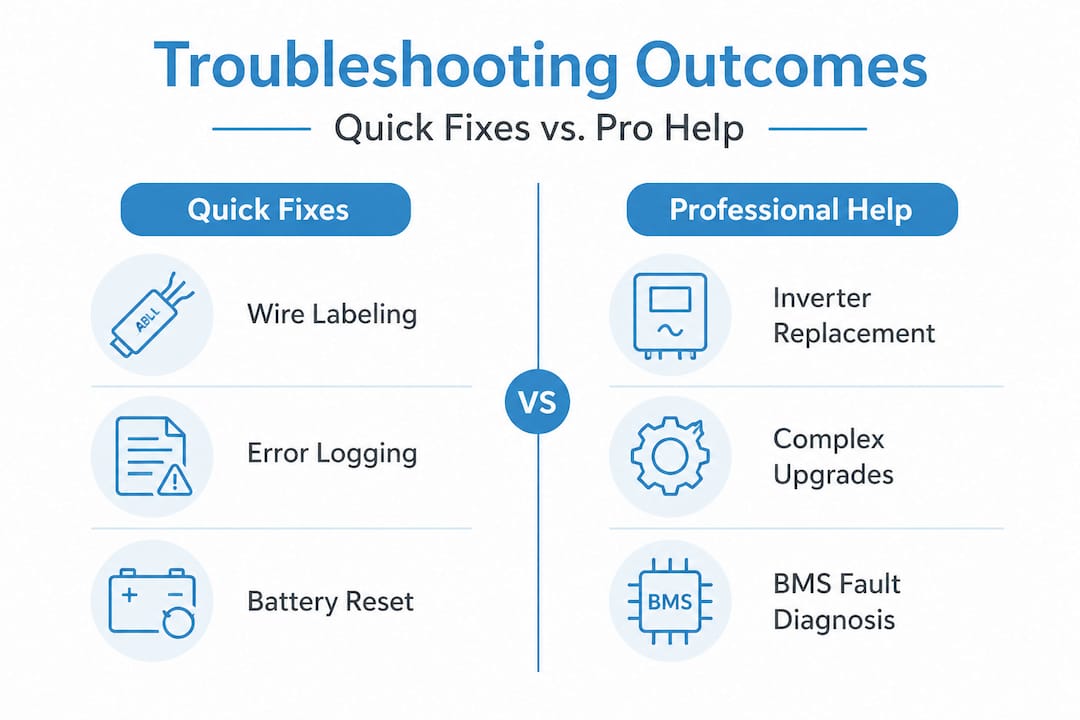
| Issue | DIY fix | Needs professional |
|---|---|---|
| Loose terminal connection | Yes, retighten to spec | No |
| MPPT battery type misconfigured | Yes, update settings | No |
| Blown fuse | Yes, replace with correct rating | No |
| BMS fault codes, no obvious cause | Check app and reset once | Yes, if fault persists |
| Swollen or damaged battery cells | No | Yes, replace battery |
| Inverter repeatedly cutting out | Check wiring and BMS | Yes, if unresolved |
| Persistent cell imbalance | Review charging settings | Yes, if severe |
Long-term prevention strategies:
- Calibrate your shunt monitor periodically by fully charging the battery and resetting the SoC to 100%.
- Keep a system log, either a notes app on your phone or a physical notebook. Record dates, faults, error codes, and any changes you make.
- Review monitoring battery health practices to build a consistent inspection routine into your travel schedule.
- Consider battery management systems with Bluetooth connectivity so you can review system health remotely before even opening the van.
- For high-demand setups running large inverters or multiple heavy appliances, higher voltage systems such as 48V are often recommended for high-power off-grid setups due to improved wiring efficiency and reduced current draw for the same watt output.
Upgrading from a 12V to a 48V system is a significant project, but for rigs running 2kW or more, the reduction in cable sizing requirements and heat losses makes it a worthwhile long-term investment.
Expert insight: the truth about lithium battery troubleshooting off-grid
Here’s an honest observation after working with off-grid system owners across the UK: the most common source of persistent, hard-to-diagnose problems is not faulty hardware. It’s incorrect monitoring.
Owners spend hours checking and rechecking voltage with a cheap voltmeter, watching numbers that simply don’t tell them what they need to know about a LiFePO4 cell. The flat discharge curve means a 12V lithium battery can read 13.1V at 80% capacity and 13.0V at 20% capacity. That 0.1V difference is invisible on most basic voltmeters and entirely meaningless for deciding whether you have two hours of power left or ten minutes.
Shunt monitors offer far more reliability than mid-range voltage checks for LiFePO4 SoC, and this is not a minor upgrade. It is the single most impactful change you can make to your diagnostic capability. A Victron SmartShunt paired with a Bluetooth-enabled BMS gives you a real-time picture of your system that no voltmeter can replicate.
The second trap is ignoring BMS status until something goes wrong. The BMS is your system’s primary safety layer. It monitors cell voltage, temperature, and current continuously. When it cuts off output, it’s not a random fault; it’s protection. Treating BMS shutdowns as nuisances to reset rather than signals to investigate is how people end up with damaged battery packs.
Cheap cabling is the third pitfall. Undersized cables cause voltage drop, heat, and repeated inverter cut-outs. Owners replace inverters and MPPT controllers looking for the fault, when a £20 cable upgrade would have resolved it in minutes.
‘The most reliable off-grid power starts with trusting your monitor, not your guesswork.’
Applying this principle means you stop chasing symptoms and start reading data. Invest in proper monitoring for leisure vehicles as a foundation, not an afterthought. Build your system log from day one. These habits make troubleshooting faster, cheaper, and far less stressful wherever you are in the UK.
Pro Tip: Keep a system log with dated screenshots from your monitoring app. When a fault occurs, you can immediately compare current readings against your baseline and identify what has changed.
Get advanced support for your off-grid system
If your troubleshooting has revealed deeper system issues or you want to upgrade to more reliable, better-integrated components, Skyenergi has proven solutions ready for UK campervans and motorhomes.

For solar charging, the Victron solar panel package includes a Victron Smart MPPT controller with Bluetooth monitoring, solar panels, cabling, and mounting hardware in a single kit. For those needing a complete AC power solution, the complete inverter/charger system combines a 3kVA inverter/charger, B2B charger, and monitoring in one package, engineered specifically for leisure vehicle installations. Both solutions are sourced directly from manufacturers, ensuring compatibility and reliable support. Browse the full Skyenergi range at skyenergi.com and get your system performing as it should.
Frequently asked questions
Why is voltage unreliable for checking lithium battery charge?
Lithium batteries maintain a flat voltage between 100% and 20% state-of-charge, making voltage unreliable for lithium SoC estimation. A shunt monitor measures actual current flow and gives a far more accurate reading.
What’s the difference between shunt monitors and simple voltmeters?
Shunt monitors such as Victron track current in and out of the battery to calculate accurate SoC, while voltmeters only measure voltage, which is misleading for lithium chemistry.
Can I upgrade my system to 48V for better efficiency?
Yes. 48V is advised for high-power off-grid setups because it reduces current draw for the same watt output, allowing smaller cable cross-sections and lower resistive losses across the system.
What are the signs my inverter or BMS has failed?
Signs include repeated inverter cut-outs, persistent error codes that don’t clear after a reset, BMS not responding via its app, or a total loss of output with no obvious cause in the wiring.
How often should I check battery health in off-grid systems?
Check your shunt monitor readings and BMS app at least weekly during active use, and run a full SoC calibration every one to three months to maintain accuracy.
Recommended
- Troubleshooting Battery Systems for Off-Grid Performance – Skyenergi
- Off-grid power: A complete guide to energy independence – Skyenergi
- Why battery monitoring matters for reliable off-grid power – Skyenergi
- Why monitoring battery health ensures reliable off-grid power – Skyenergi
- Air conditioning troubleshooting tips for Devon and Cornwall
Prev post

Understand expandable power systems for off-grid adventures
Updated on 04 May 2026
Next post

Top 5 ecotreelithium.co.uk alternatives 2026
Updated on 02 May 2026


