







Lithium Battery Maintenance Workflow for Off-Grid Systems
Follow this lithium battery maintenance workflow to ensure peak performance, reliability and safety in off-grid campervan energy setups, step by step.
Reliable off-grid adventures across the British countryside demand more than just a perfectly converted campervan. The true heart of your setup is a well-maintained lithium battery system, which powers your journeys while keeping safety at the forefront. Proper inspection, cleaning, and regular diagnostic checks protect your investment from faults and hazards. This guide highlights the most practical steps and industry-backed safety practices for maintaining your lithium batteries, helping you avoid common pitfalls and extend system life on every trip.
Table of Contents
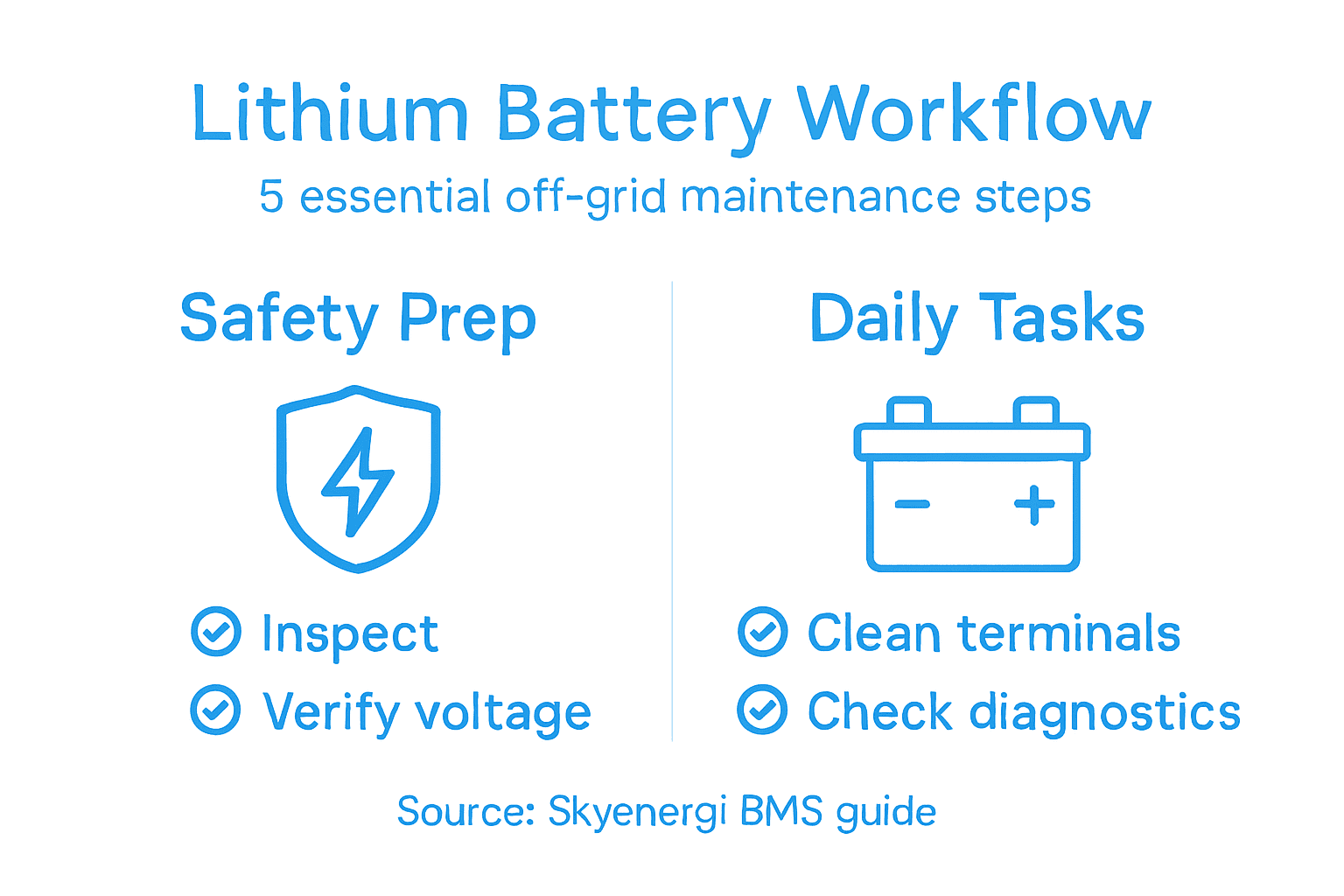
- Step 1: Prepare Your Lithium Battery System Safely
- Step 2: Inspect And Clean Terminals And Connections
- Step 3: Test Voltage And Check Bluetooth Diagnostics
- Step 4: Balance Cells Using BMS Features
- Step 5: Verify System Health And Record Performance
Quick Summary
| Key Point | Explanation |
|---|---|
| 1. Conduct thorough pre-use inspections | Inspect battery components for damage, corrosion, and voltage compatibility before use. |
| 2. Maintain clean terminals regularly | Clean battery terminals every three to six months to prevent corrosion and ensure safety. |
| 3. Test voltage and Bluetooth diagnostics | Use your battery’s Bluetooth app or a voltmeter to check performance metrics before each trip. |
| 4. Balance cells for longevity | Regularly observe cell voltages and enable balancing to prevent degradation and safety hazards. |
| 5. Record performance metrics consistently | Document battery health over time to identify trends and potential issues early. |
Step 1: Prepare your lithium battery system safely
Preparing your lithium battery system properly sets the foundation for reliable off-grid power and safe operation throughout its lifespan. Before connecting anything or powering up your setup, you need to conduct several critical checks to ensure everything is ready. This preparation phase takes a couple of hours but prevents costly mistakes and potential safety hazards that could damage your equipment or compromise your campervan’s electrical system.
Start by inspecting all physical components of your battery system. Check the battery case for any visible damage, cracks, or swelling that might indicate internal problems. Look closely at all terminals and connectors to ensure they’re clean and free from corrosion. If you spot any white, blue, or green discolouration on the terminals, clean them with a dry cloth or a small brush before proceeding. Next, examine the Battery Management System (BMS) display and all wiring connections. Verify that your cables match the recommended gauge for your system’s voltage and capacity. Undersized cables create excessive heat and present fire risks, whilst oversized cables are unnecessarily expensive. Check that all connections are tight by gently tugging on them. Many off-grid failures stem from loose connections that seem secure at first glance. Following safe handling guidelines for lithium batteries helps you identify potential transport and storage issues before installation.
Verify your system’s voltage compatibility next. Your battery voltage must match your inverter, solar controller, and any other connected equipment. Mixing different voltages or incompatible components creates dangerous fault conditions. Check the ambient temperature as well. Lithium batteries perform best between 15 and 35 degrees Celsius. If your campervan is stored in a particularly cold location, you may need to warm the battery before use. Confirm that your isolation switch (battery disconnect) works smoothly and cuts power completely. Test this by switching it off and checking that all connected devices lose power. Establish a safe pre-use checklist that you’ll repeat before each trip. This might include checking the BMS display for any warning codes, verifying that all exterior vents are unobstructed, and confirming that your charge controller is set to the correct battery chemistry (Lithium, not Lead Acid).
Professional advice Install a dedicated fire extinguisher rated for lithium battery fires (Class D) within easy reach of your battery installation, and keep detailed records of your system setup, including component specifications and configuration settings, so you can quickly reference them if problems arise or when servicing your system.
Here’s an overview of common lithium battery issues and their potential impact:
| Issue Detected | Typical Cause | Consequences if Ignored |
|---|---|---|
| Corrosion on terminals | Moisture or poor cleaning | Reduced power, overheating |
| Unbalanced cell voltages | Faulty BMS or uneven charging | Shortened battery lifespan |
| Loose cable connections | Vibration or improper tightening | Risk of fire, voltage drops |
| Incompatible voltage setup | Mixing voltage ratings | Equipment damage, safety risk |
| Excessive battery heat | Overcharging or poor ventilation | Accelerated cell degradation |
Step 2: Inspect and clean terminals and connections
Clean terminals and connections are absolutely critical for safe battery operation. Corrosion and debris on your battery terminals create resistance that reduces power output, generates heat, and can eventually cause short circuits or complete system failures. This step takes about 30 minutes and is something you should repeat every three to six months, depending on your campervan’s operating environment.
Begin by disconnecting your battery completely using the isolation switch. This is non-negotiable for your safety. Once isolated, visually inspect all terminals and connection points. You’re looking for white, blue, or green crusty deposits which indicate corrosion, or any dirt, dust, or oxidation buildup. Battery terminals in damp environments like campervans are particularly prone to corrosion because moisture accelerates the process. If corrosion is present, you’ll need to clean it away before reconnecting anything. Use a small soft-bristled brush, old toothbrush, or specialised battery terminal cleaner. Gently scrub the corroded areas with firm, circular motions. For stubborn corrosion, you can use a mixture of bicarbonate of soda and water to create a mild abrasive paste. Apply it to the affected areas and let it sit for a few minutes before scrubbing. Following industry best practices for terminal maintenance ensures you’re removing corrosion safely without damaging the battery internals.
After cleaning, dry the terminals thoroughly with a clean, lint-free cloth. Any moisture left behind will promote future corrosion. Once completely dry, apply a thin coat of battery terminal protectant spray or petroleum jelly to the cleaned terminals. This protective layer acts as a moisture barrier and slows down future corrosion. Now inspect your cable connections themselves. Check that battery cables are not frayed, cracked, or damaged. Look at the crimped connectors at each end of every cable and ensure they’re secure and making full contact with the terminals. Loose connections are a common cause of voltage drops and system failures. If a connection looks worn or questionable, it’s better to replace the cable entirely rather than risk electrical problems later. Finally, check that all bolts and fasteners holding your battery in place are tight. A moving battery during driving creates vibration that loosens connections and damages internal components.

Professional advice Keep a small battery maintenance kit in your campervan containing a soft brush, bicarbonate of soda, distilled water, clean cloths, and terminal protectant spray so you can perform quick cleaning checks at rest stops without needing to locate materials.
To help maintain your lithium battery, compare these main maintenance tools and their uses:
| Tool or Product | Main Use | Recommended Frequency |
|---|---|---|
| Battery terminal brush | Removing corrosion from terminals | Every 3 to 6 months |
| Bicarbonate of soda mix | Cleaning stubborn deposits | As needed during checks |
| Terminal protectant spray | Prevents future corrosion | After each cleaning |
| Digital voltmeter | Measures voltage accurately | Before every trip |
| BMS mobile app | Monitors battery diagnostics | Ongoing; before use |
Step 3: Test voltage and check Bluetooth diagnostics
Testing your battery’s voltage and reviewing Bluetooth diagnostics gives you a complete picture of your system’s health before you head off-grid. Modern lithium batteries come equipped with intelligent Battery Management Systems that communicate wirelessly with your smartphone or tablet, allowing you to monitor voltage, temperature, cell balance, and alarm conditions in real time. This step takes about 15 minutes and provides invaluable data about whether your battery is truly ready for use.
Start by opening the Bluetooth app associated with your battery system. Most UK leisure battery manufacturers, including those supplied by Skyenergi, have dedicated mobile applications that pair instantly with your BMS. Once connected, the app displays your current battery voltage, which should be within the manufacturer’s specified range for your battery capacity. For example, a fully charged 12V lithium battery typically reads between 13.2V and 13.6V, whilst a 24V system should show double these values. If your voltage reading is significantly lower than expected, your battery may not be fully charged or there could be an internal issue requiring investigation. Look at the cell voltage balance information in the app. All individual cells within your battery pack should have similar voltage readings, usually within 0.05V of each other. Large discrepancies between cells indicate a problem with the Battery Management System or internal wiring that needs professional attention. The app will also display temperature readings. Your battery should be operating between 10 and 45 degrees Celsius for optimal performance. If the temperature is outside this range, allow your battery to acclimate to the correct temperature before use. Additionally, check for any warning codes or alarm indicators. Real-time voltage measurement systems enable early detection of potential failures before they become serious problems.
If you prefer using a dedicated voltmeter instead of the app, that works equally well. Set your multimeter to DC voltage mode and probe the positive and negative terminals. Record this reading and compare it against your battery’s specifications. Beyond voltage, review any available diagnostic information through the app including cycle count, state of charge percentage, and any historical alerts. This data helps you understand your battery’s usage patterns and longevity. If everything looks good, you’re ready to proceed with confidence. If you spot anomalies like unusually low voltage, temperature warnings, or unbalanced cells, contact your battery supplier or a qualified technician before connecting your system to your campervan.
Professional advice Screenshot or record your baseline voltage and cell balance readings when your battery is new and fully charged, then compare these benchmarks during future maintenance checks to spot degradation trends early before they affect your off-grid reliability.
Step 4: Balance cells using BMS features
Cell balancing is one of the most important functions your Battery Management System performs, yet it often happens invisibly in the background. When lithium cells within your battery pack charge and discharge unevenly, some cells become overcharged whilst others remain undercharged. This imbalance degrades your battery faster, reduces usable capacity, and can create safety risks. Your BMS actively manages this process, but understanding how it works helps you recognise when something needs attention.
Modern lithium batteries like those distributed by Skyenergi through SRNE include active or passive balancing systems that continuously monitor individual cell voltages. Passive balancing works by bleeding excess energy from overcharged cells through small resistors, equalising voltage across the pack. Active balancing is more efficient and transfers charge directly between cells. Cell balancing methods prevent overcharging or undercharging of individual cells, which is why you’ll notice your BMS app shows voltage readings for each cell separately. Access your battery’s BMS app and navigate to the cell voltage display. Ideally, all cells should be within 0.02V to 0.05V of each other. If you see larger discrepancies, your BMS is actively working to correct the imbalance. Most modern systems do this automatically during charging, so simply allowing your battery to charge fully over several hours encourages proper balancing. Some BMS systems offer a dedicated balance mode you can activate through the app. If yours does, enable it periodically, particularly if you notice voltage drift between cells. Let the balancing run for the time recommended by your manufacturer, which typically takes 2 to 4 hours.
Monitor the cell voltage readings over time through your app. You should see the discrepancies gradually shrink as the balancing process works. If certain cells consistently remain significantly out of balance despite multiple balancing cycles, this indicates a potential internal fault requiring professional inspection. Keep an eye on temperature during balancing as well. The process generates slight heat, so your cells may feel slightly warmer than normal, but they should never become hot to the touch. If you notice excessive heat or rapid temperature increases during balancing, stop immediately and investigate. Regular balancing extends your battery lifespan considerably. Many campervan owners perform a balance cycle monthly or every time they complete a full charge cycle. This simple maintenance task costs nothing and dramatically improves long-term reliability.
Professional advice Schedule your balancing cycles during periods when you’re stationary at a campsite for several hours, allowing the process to complete undisturbed without affecting your power availability during travel or activities.
Step 5: Verify system health and record performance
Recording your battery’s performance metrics creates a valuable baseline for tracking long-term health and catching problems early before they become expensive failures. Your BMS collects detailed data about every charge cycle, discharge pattern, temperature fluctuation, and voltage event. By documenting this information regularly, you gain insight into how your battery behaves under different conditions and can spot degradation trends that might otherwise go unnoticed until something fails during a trip.
Start by accessing the full performance report available through your battery’s app or BMS display. Look for the state of health percentage, which indicates how much usable capacity remains compared to the battery when new. A healthy battery should show between 95 and 100 percent state of health when first installed. Over time, this figure gradually decreases, which is completely normal. Most lithium batteries retain 80 to 90 percent of their capacity after five years of regular use. Document this percentage and the current date in a spreadsheet or notebook. Next, review your cycle count, which shows how many complete charge and discharge cycles your battery has experienced. This number helps you understand usage intensity and predict remaining lifespan. State of health metrics provide accurate assessment of battery performance under various operating conditions. Record the current voltage under no load conditions, the internal resistance value if available, and any temperature readings. Check for warning codes or alarm history. Most BMS systems log events when cells become unbalanced, when temperatures deviate from normal ranges, or when charge rates exceed safe limits. Review this history to identify patterns. If you consistently see warnings during particular activities or times, you can adjust your usage accordingly.
Create a simple maintenance log that captures these readings every month or every three months, depending on how actively you use your campervan. Over time, this record becomes invaluable. It shows whether degradation is occurring at an expected rate or accelerating unexpectedly. You’ll notice seasonal variations too, with winter use sometimes showing slightly different performance than summer months. When comparing readings over time, look for any rapid drops in state of health, which would indicate a problem developing. Similarly, if your voltage under the same load conditions drops noticeably, it suggests internal resistance is increasing. If you ever need warranty support or professional service, this documented history proves invaluable for technicians diagnosing issues. Store your records digitally and in physical form so you always have access. Take screenshots of your app displays regularly and date them. This simple habit transforms occasional data points into a comprehensive performance history that protects your investment and keeps your off-grid system reliable.
Professional advice Set a recurring monthly reminder on your phone to check and document your battery metrics, then upload those records to cloud storage immediately so you have a permanent backup regardless of what happens to your campervan.
Ensure Peak Performance with Skyenergi Lithium Battery Solutions
Maintaining a lithium battery system for off-grid use can present challenges such as ensuring proper cell balancing, verifying voltage accuracy, and preventing terminal corrosion. These key pain points highlighted in the article reflect common obstacles faced by campervan and motorhome owners seeking safe and reliable power on the road. Skyenergi understands the importance of precision in battery management and offers high-performance lithium leisure batteries integrated with intelligent Battery Management Systems featuring Bluetooth monitoring. This allows you to effortlessly track your battery’s health, cell voltages, and temperature in real time while avoiding issues like uneven charging or system faults.

Take control of your off-grid power setup with Skyenergi’s complete turnkey energy solutions from SRNE, designed for seamless compatibility and long-lasting reliability. Whether you need solar accessories, chargers, or Victron-compatible components, Skyenergi has everything to keep your system optimised and safe. Do not wait until small maintenance issues become costly failures. Visit Skyenergi today to find the perfect lithium battery system engineered to meet your specific off-grid needs and ensure peace of mind every journey.
Frequently Asked Questions
How do I prepare my lithium battery system safely for off-grid use?
To prepare your lithium battery system safely, start by inspecting all components for damage and ensuring clean, corrosion-free terminals and connections. Verify voltage compatibility among connected devices and conduct a pre-use checklist, including checking battery management system (BMS) diagnostics.
What is the best way to clean battery terminals and connections?
The best way to clean battery terminals and connections is to use a soft-bristled brush to remove corrosion, applying a mixture of bicarbonate of soda and water for stubborn deposits. Once cleaned, apply a thin coat of battery terminal protectant to prevent future corrosion.
How can I test my lithium battery’s voltage and diagnostics?
You can test your lithium battery’s voltage by connecting a Bluetooth app to your battery’s BMS, or by using a multimeter directly on the terminals. Record the voltage reading, ensuring it’s within the manufacturer’s specification, and check for cell balance and any warning codes to assess the system’s health.
What steps should I take to balance the cells in my lithium battery?
To balance the cells in your lithium battery, access the BMS app, monitor the voltage for each cell, and enable any balancing mode if available. Allow the balancing process to run for the recommended time, typically between 2 to 4 hours, to ensure all cells reach an even charge status.
How do I verify my lithium battery system’s health over time?
To verify your lithium battery system’s health, record metrics such as state of health percentage, cycle count, and voltage under no load conditions. Create a maintenance log to document these readings monthly or quarterly, allowing you to spot degradation trends and adjust maintenance practices accordingly.
What should I do if I notice unusual readings or warnings from my battery system?
If you notice unusual readings or warnings from your battery system, such as significant voltage discrepancies or temperature alarms, immediately contact your battery supplier or a qualified technician. It’s important to address these issues promptly to prevent potential failures and ensure safety.
Recommended
Prev post

Why Use Battery Banks in Motorhomes: Powering Off-Grid Independence
Updated on 25 January 2026
Next post

Bluetooth Battery Monitoring – Empowering Off-Grid Travel
Updated on 23 January 2026


