


Optimising Solar Output with SRNE Hybrid Inverter Systems
Set up your srne hybrid inverter with confidence: charging priority, battery settings and output modes, explained for lithium batteries.
Last Updated: November 19, 2026
Quick Summary
Optimising solar output with an srne hybrid inverter depends first on matching the PV array to the controller's input limits, then setting battery, charging and priority options to the battery datasheet. Work through these in order, changing one setting at a time, and measure the yield before and after each change.
- Confirm the PV open-circuit voltage stays below the controller's maximum input before changing any settings.
- Enter battery charge, float and low-voltage cut-off values from the battery datasheet, not from a lead-acid default.
- Set output-source and charger priority separately, choosing solar-first for daytime use.
- Log solar yield, battery state of charge and load draw for a week to create a baseline.
- Check panel cleanliness, shading and cable voltage drop when solar output falls.
Table of Contents
- How an SRNE Hybrid Inverter Turns Solar Into Usable Power
- Checking Your PV Array and MPPT Input Before Changing Settings
- SRNE Inverter Lithium Battery Settings
- SRNE Inverter Solar Charging Settings: Priority and Current
- SRNE Off-Grid Inverter Configuration for Grid, Mains and Solar Modes
- Diagnosing Low Solar Yield and Output Bottlenecks
- Measuring the Result and Next Steps With Your Skyenergi System
- Frequently Asked Questions
How an SRNE Hybrid Inverter Turns Solar Into Usable Power
Getting more from your solar panels starts with understanding what the inverter actually does. Skyenergi builds its power systems around SRNE hybrid inverters, and the way these units manage solar, battery and mains power is the foundation for everything else in this guide.
A hybrid inverter does three jobs at once. It takes DC power from your panels and batteries, converts it to AC for your appliances, and decides where the next watt should come from. That decision is what separates a well-tuned system from one that wastes energy.
SRNE describes its hybrid inverters as having an intelligent load-management system that prioritises critical devices and reduces or manages loads automatically. In practice, this means your fridge and lights stay on while less essential loads get throttled first.
Our experience is that most output problems trace back to priority settings, not faulty hardware. Before you change anything, know how your unit splits solar, battery and grid power. Browse a comparable hybrid inverter like the Victron Energy Inverter Rs 48 6000 230v Smart Solar to see how these systems are typically specified.
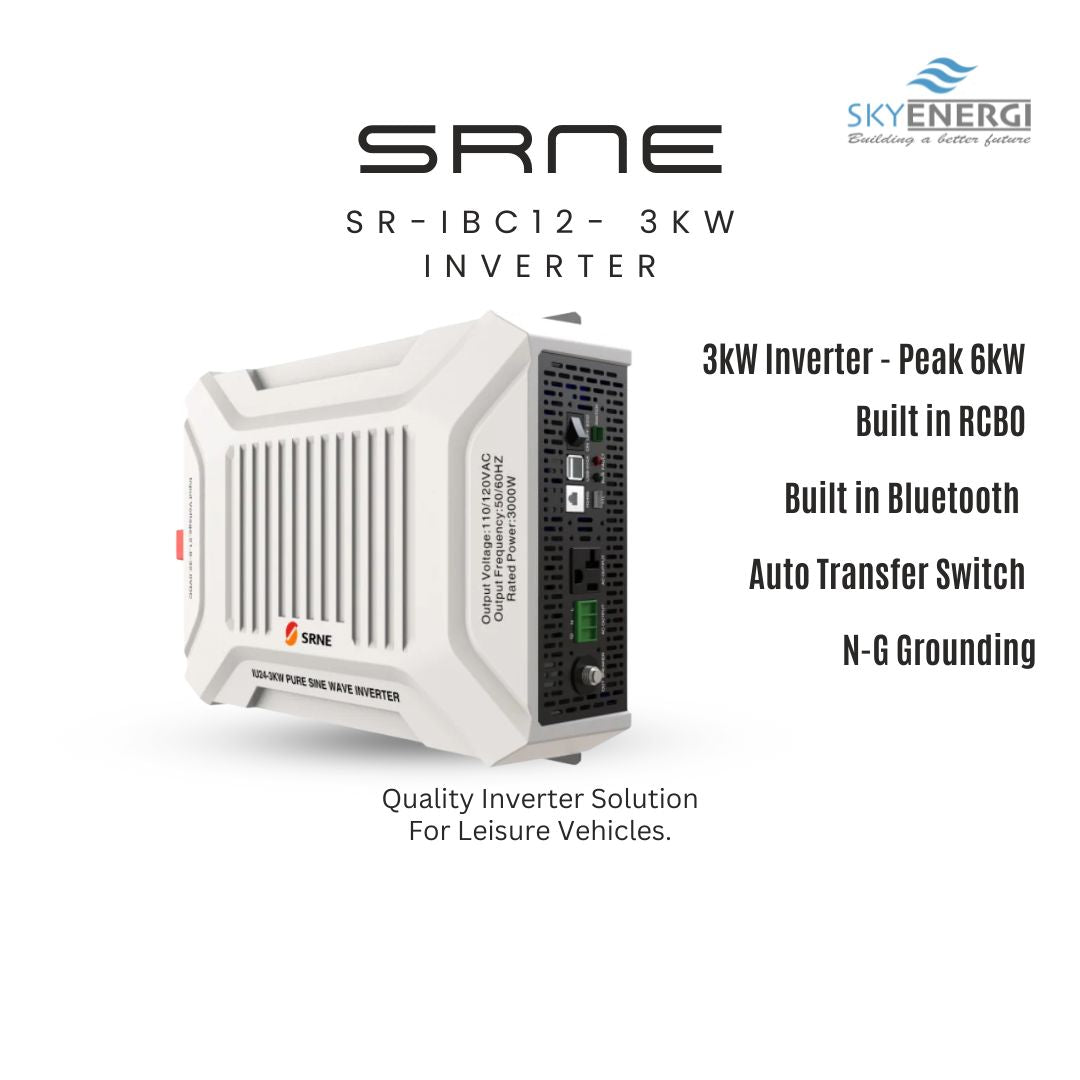
If you want a unit that pairs inverter and charger functions, the Srne Sr Ibc12 3kw Inverter Charger is a useful reference point for how these settings translate into real hardware.
Checking Your PV Array and MPPT Input Before Changing Settings
Before touching any inverter parameter, confirm your solar array sits within the controller's limits. Settings cannot fix an array that is wrongly sized for the input window. Plan your array sizing using a home solar array sizing guide so your panel voltage and wattage match the MPPT input.
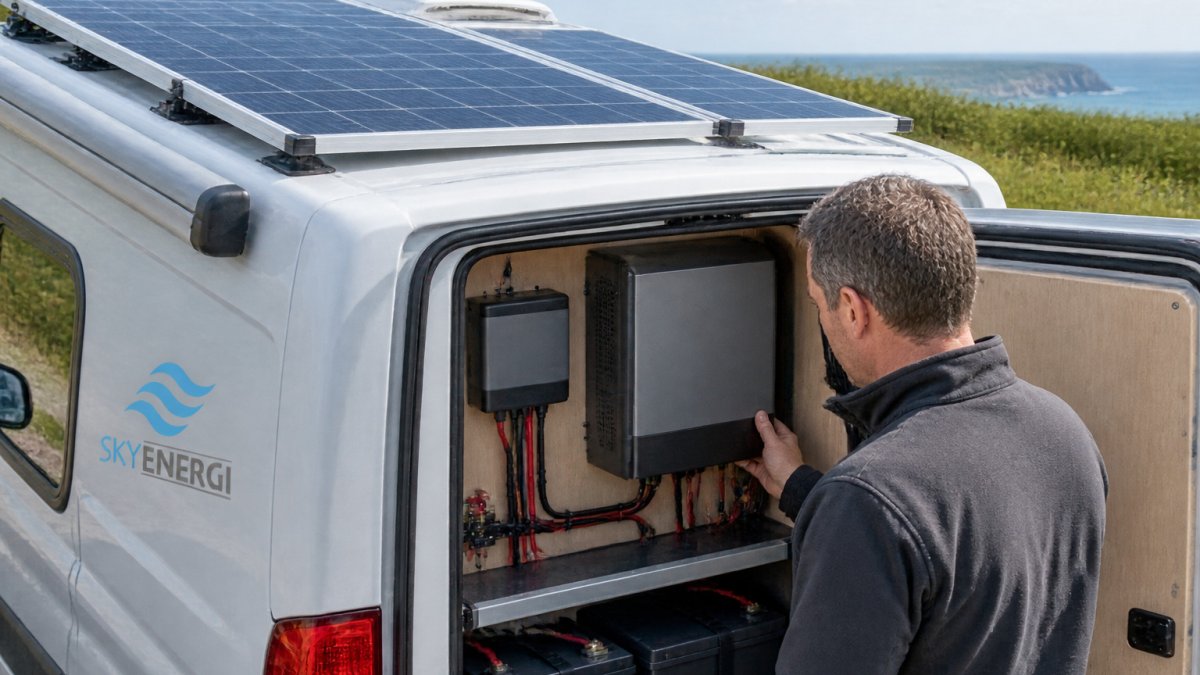
A technician checking an MPPT controller beside the solar array on a UK motorhome roof, with the inverter display in view.
SRNE's 2026 inverter guide compares eight inverter options across 120-450 V and notes that support for up to six units in parallel is a selection criterion. These are guide-level specifications, so confirm the exact compatibility and limits for your specific model before relying on them.
Work through these checks in order:
- Confirm the PV open-circuit voltage stays below the controller's maximum input.
- Check the array's combined wattage against the charge controller rating.
- Make sure the panels are not shaded for part of the day.
- Verify wiring is tight and the polarity is correct at both ends.
Skipping these checks is the most common reason a fresh configuration appears to underperform. Fix the hardware path first, then move on to settings.
SRNE Inverter Lithium Battery Settings
Battery settings decide how much of your solar yield you can actually store and how long the pack lasts. The mistake to avoid is treating the battery menu as a single 'lithium' switch. On SRNE hybrid units the profile is a set of linked limits, charge voltage, float voltage, low-voltage cut-off, maximum charge current and, on some models, a communication protocol for the battery's management system, and they must agree with the pack's datasheet, not with a default left over from a lead-acid profile.
Work through the battery menu in this order, using the manual for your exact model:
- Select the correct battery type first. Lithium iron phosphate (LiFePO4) packs need a different charge profile from flooded, AGM or gel lead-acid, and choosing the wrong type changes every downstream limit.
- Set the bulk/absorption charge voltage to the figure your battery manufacturer specifies. A profile copied from an old AGM setting will usually overcharge a lithium pack or leave it chronically undercharged.
- Set the float voltage to the manufacturer's value. Leaving float at a lead-acid default is a common cause of shortened lithium life.
- Set the low-voltage cut-off to the pack's specified minimum, not to a habitual 'safe' number. Setting it too high wastes usable capacity; setting it too low can trip the battery management system and shut the system down mid-use.
- Cap the maximum charge current at the lower of the inverter's rating and the battery's stated charge rate. Pushing a small pack harder than its datasheet allows is one of the quickest ways to shorten its life.
- If your battery supports communication with the inverter, enable the matching protocol and confirm the two are actually talking. Without that link the inverter falls back on its own voltage thresholds, which may not match the pack.
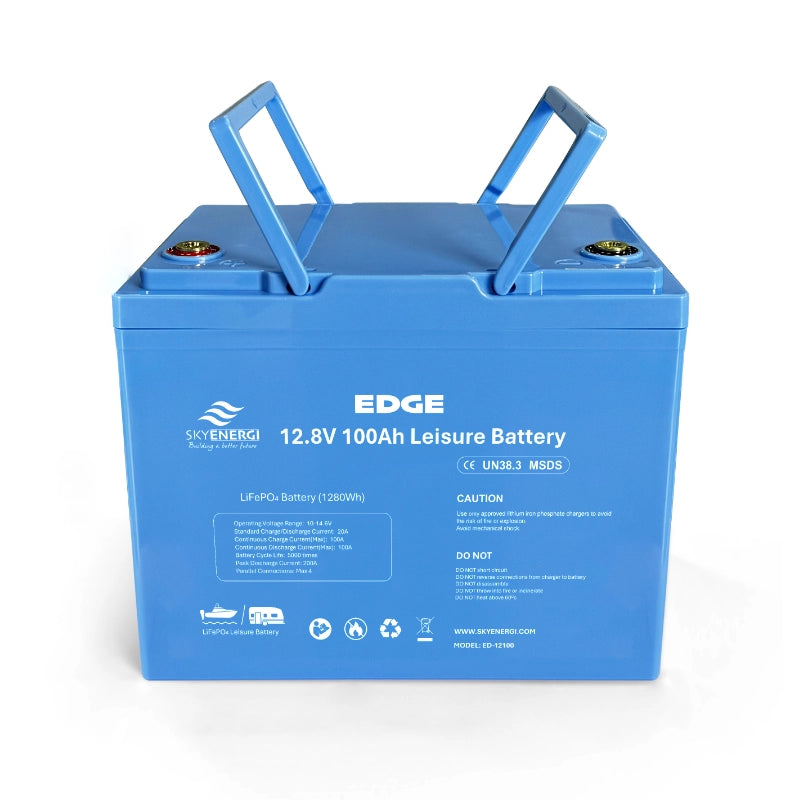
A Lithium Leisure Battery Skyenergi Edge 100ah is an example of a pack whose datasheet values should be entered directly rather than approximated. Keep the datasheet beside you while you work through the menu, and record every value you change so you can revert it if the system behaves unexpectedly.
Watch out: battery settings are model and chemistry-specific, and values copied from a forum thread for a different pack can be unsafe. Where the manual and the battery datasheet disagree, stop and confirm with the battery supplier or a qualified installer before charging.
SRNE Inverter Solar Charging Settings: Priority and Current
Charging priority and charge current are the two settings that most directly change how much of your solar yield ends up stored rather than exported or lost. On most SRNE hybrid units the output-source priority and the charger priority are separate menus, and confusing the two is a common reason a system appears to ignore the panels. Once those settings are correctly matched to the system, keeping the panels clear of dust is another practical part of optimising solar energy output.
Set them in this sequence:
- Choose the output-source priority first, the order in which the inverter draws from solar, battery and mains to supply your loads. Solar-first suits daytime use, where panels carry the load and top up the battery. Battery-first suits evenings or cloudy spells, when you want stored energy used before mains is drawn.
- Then set the charger priority, which decides whether solar or mains charges the battery when both are available. Solar-first charging makes best use of daytime yield; mains charging is a fallback for poor-weather stretches.
- Set the maximum charge current to match the battery's safe charging rate, capped by the inverter's rating. A current set too high pushes the pack harder than its datasheet allows; too low and you leave free solar energy uncollected on a clear day.
- Check the low-battery restart and switchover thresholds together with the priority settings, because they determine when the system falls back to mains.
Pair these settings with a controller matched to your array. The Srne Mppt Shiner 2430 Charge Controller With Solar Panel Kit is one option for aligning controller, array and battery bank so the charge current you set is actually achievable.
A practical way to judge whether your priority choice is right is to log, over a week, how much solar is produced, how much the battery gains and how much is drawn from mains. If mains draw is high on sunny days, the charger priority or charge-current cap is usually the cause rather than the panels.
Watch out: priority and charge-current menus vary between SRNE models and firmware versions, and some values interact with battery communication settings. Change one setting at a time, note the effect, and confirm any grid-connected change with a qualified installer before relying on it.
SRNE Off-Grid Inverter Configuration for Grid, Mains and Solar Modes
Off-grid systems switch between solar, battery and mains. Understanding those operating modes helps you avoid unexpected grid draw. Most SRNE hybrid units allow a mode where the inverter uses solar and battery power first and only switches to mains when those run low.
A user-group report describes an SRNE 6 kW hybrid inverter that did not switch to grid automatically below 20% battery state of charge. This is one anecdotal account, not verified manufacturer guidance, so do not assume your unit behaves the same way. Check the switchover threshold in your own model's configuration and test it.
Test the switchover by running a known load and watching the transition at a controlled battery level. This shows you how your specific unit behaves, which is more reliable than any general rule.
Diagnosing Low Solar Yield and Output Bottlenecks
When solar output drops, work through the system in a fixed order rather than changing several settings at once. Start with the array, then the controller, then the battery, then the inverter.
- Check panel cleanliness and shading first; dirt and shadows cut output sharply.
- Confirm the MPPT controller is tracking, not stuck in a limited mode.
- Look at battery voltage; a pack held at a high state of charge can throttle intake.
- Review the inverter's load priority; a high constant draw can starve the battery.
- Check cable runs for voltage drop, especially on long or thin wires.
Change one thing at a time and note the result. This keeps your diagnosis clear and avoids creating a new fault while fixing the first.
When solar output drops, the quickest way to find the cause is to check each part of the system in order, from the array through to the inverter.
| Check | What to look for | Likely fix |
|---|---|---|
| Panel cleanliness and shading | Dirt or shadows cutting output | Clean panels and move or trim shading |
| MPPT controller | Tracking or stuck in a limited mode | Confirm tracking and review the controller state |
| Battery voltage | High state of charge throttling intake | Review battery settings against the datasheet |
| Inverter load priority | High constant draw starving the battery | Adjust load priority |
| Cable runs | Voltage drop on long or thin wires | Use thicker or shorter cable runs |
Measuring the Result and Next Steps With Your Skyenergi System
Improvement is only real if you can measure it. Record your daily solar yield, battery state of charge and load draw for a week before you change anything. That baseline makes every later adjustment easy to judge.
Use the SRNE monitoring app to track real-time energy data. SRNE's search-result description says the app enables real-time energy monitoring, though no quantified performance result is given, so judge the benefit from your own logs.
Compare your baseline with the same measurements after each change. Keep changes that improve yield without hurting battery health, and revert anything that does not.
Skyenergi supplies the lithium batteries, SRNE controllers and inverter-chargers used throughout this guide. Our team can help you match a configuration to your setup, so get in touch with us on 01777 801450 to talk through your system.
Frequently Asked Questions
How do you optimise solar output with an SRNE hybrid inverter?
Start by confirming the PV array voltage and power sit within the inverter's stated input range, then check that the MPPT charger is set for the correct battery type. Next, set charging priority so solar is used before mains or generator input where your setup allows it. Make one change at a time and record your solar input before and after, so you can see which setting actually improved output. Keep configuration within the manufacturer's guidance for your model and have a qualified installer check any mains or wiring changes.
Which settings affect solar charging on an SRNE hybrid inverter?
The settings that most affect solar charging are the battery type, the charge current limit, the charging priority and the output priority. Battery type determines the charging voltages the inverter applies, so a wrong choice can cap charging early. Charge current limits how fast the battery accepts power from solar. Priority settings decide whether solar, mains or the battery supplies the load first. Check each parameter against your battery manufacturer's datasheet before saving changes.
Why is my SRNE inverter not using all the available solar power?
Common causes include a battery already near full charge, a battery-type setting that ends charging at a lower voltage than expected, a charge current limit set below what the panels can deliver, or shading that reduces PV input. Check the solar input voltage and power on the display or monitoring app during peak sun. If the battery is full, the inverter will supply loads from solar and throttle input, which is normal behaviour rather than a fault.

Next post

Solar Panel Mounting Kits for Rainy UK Conditions
Updated on 20 November 2026


